Chaim Brodetsky Software engineer & systems architect
Selected work / Commerce platform
From product search to the warehouse
I built the commerce backend and the gateway that connects it to the storefront. A shopper can find a product, check its price and availability, and place an order. Behind that journey, the catalog, payment, order, and warehouse services each handle a different part of the work.
Finding a product
The search service combines product details with the catalog for each branch. A shopper searches the assortment for the branch they’re buying from. Scheduled refreshes let the storefront reuse pricing and availability data across visits.
Placing the order
One checkout request starts the payment and order workflow. The gateway looks up the shopper’s cart for that branch and checks the minimum checkout amount before initiating payment.
Picking the items
Warehouse staff work from a branch’s order queue. The fulfillment service assigns an order to a picker, identifies where stock is allocated, and records picks against both inventory and the order.
Inside a checkout
StorefrontSubmit checkout
GatewayCheck the cart
PaymentProcess the charge
Order servicePlace the order
What if the charge succeeds but the order fails?
When the order service returns an error after payment, the gateway uses the transaction reference to attempt a cancellation. A shared request ID helps engineers trace what happened across services.
I built a barcode-driven picking portal for warehouse suppliers. An operator scans a reusable box to start packing, then scans products into it. Scanning the box again brings up the contents from its latest packing session.
The physical box keeps its barcode across shipments. Each packing session gets its own record, so operators can reuse the container and still tell one shipment from the next.
How does the portal handle packing mistakes?
An operator can correct a quantity or remove an item scanned into the wrong box. The portal requires at least one item before closing a session and records who closed it and when. Once closed, the session rejects new scans.
Selected work / Product information management
From supplier files to storefront listings
I built a product information management (PIM) backend for the commerce platform. Catalog teams can import product records from Excel or XML files. A daily sync also brings in product data and original photos from GS1, a source of standardized product information.
A catalog editor uploads a product photo once. The system prepares three sizes for the storefront, each available as a JPEG or WebP. The product record keeps a single reference to the original, so the editor can manage one photo across the listing and product detail views.
How did I handle photos already in the catalog?
I built a tool that checks existing images for missing sizes and generates the versions the storefront needs. It can first report which images need work, so an operator can review the changes before processing them.
Selected work / Catalog management
Where should this product appear?
I built the catalog management service (CMS) that organizes product records from the PIM into the categories shoppers browse. Each branch can organize its own catalog. Editors can review uncategorized items, assign them to categories, and rearrange the category tree as the assortment changes.
A product can appear in several places. For example, a box of tea might belong under both “Drinks” and “Gifts.” An editor can move its gift listing into “Seasonal gifts” while keeping its place under “Drinks.”
How does a move keep the catalog consistent?
The service updates the old category membership, the new membership, and the product’s browsing paths together in a DynamoDB transaction. If the transaction fails, the editor can retry without leaving the product halfway between categories.
Selected work / Order management system
From a reserved cart to a confirmed order
I built the order management service that coordinates shoppers’ carts with warehouse stock. At checkout, it checks each cart again and flags items that are no longer available. It then asks the warehouse to confirm the reservation before recording the order.
The service saves the order, its line items, and the change that closes the cart together. That keeps the order the warehouse receives consistent with the cart the shopper checked out.
What happens to stock held in an abandoned cart?
An hourly job looks for open carts that have been inactive for at least two hours by default. It asks the warehouse to release their reservations and pauses those carts, freeing stock for other shoppers.
Selected work / Warehouse management system
From the receiving dock to the shelf
I built the warehouse service that tracks incoming stock by batch and storage spot. When staff finish recording a delivery, the service creates inventory batches and records their first location in the receiving area. Each batch carries its supplier, original quantity, and expiration date.
If staff move part of a batch to a shelf, the service records how many units moved, where they came from, and where they went. A warehouse operator can look up what sits in each spot and trace how it got there.
What if a delivery line has an invalid expiration date?
Before creating inventory, the service checks the dates on all lines that will become stock. If a date is invalid, it identifies the line for correction before recording any of the batches from that delivery.
Selected work / Retail pricing and promotions
Which branch has the best price?
I built a pricing service that lets a retail team compare the same product across stores by barcode. The team chooses a home branch and the branches to compare. The report shows the lowest, highest, and average prices among those with data, and flags when a promotion accounts for a lowest price.
The team can also schedule its own offers. For a weekend promotion, a manager sets the products and dates in advance. A scheduled job activates the offer when it comes due and retires it after the end date.
What if a branch hasn’t reported a price?
The report counts only branches with a usable price and shows how many contributed. If three of five branches have prices, the average uses those three. A missing price can’t turn into a false bargain.
Selected work / Fulfillment and picking
Turning a customer order into a pick list
I built the service that connects customer orders to the people picking them. When a picker takes an order from the branch queue, the service uses warehouse reservations to tell them where to go and how many units to collect at each spot.
If six units of a product are split across two shelves, the service tracks each shelf separately. A picker who pauses midway can return to the assignment and see exactly how many units are still due at each location.
What if the picker finds fewer units than expected?
When the picker tries to finish, the service lists the outstanding items and asks for confirmation. The picker can keep looking or confirm the shortage. Closing the order short releases the warehouse holds on the unpicked units.
A picker is walking to the second shelf, or has already checked it and found it empty. Both situations show four units picked, but they call for different dispatch decisions.
The sequence diagram follows the shelf report to the dispatcher deciding whether to send another route first.
Four units picked. What if the scanner sends the update twice?
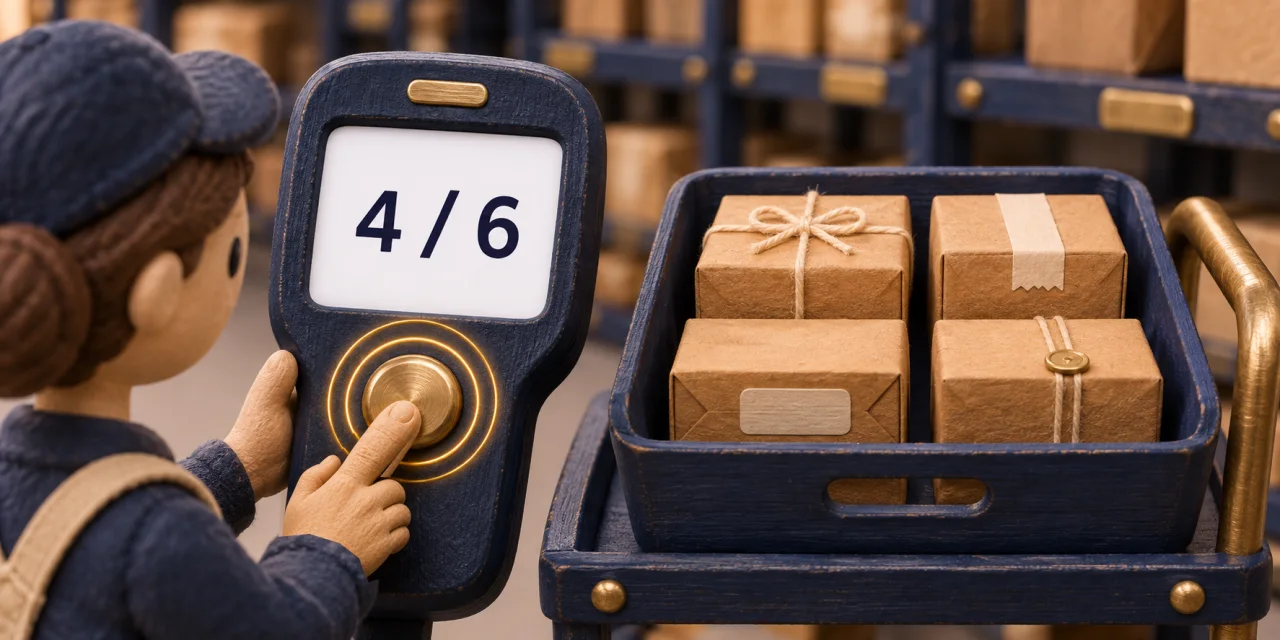
A picker collects four of six units. The warehouse records the pick, but the confirmation never reaches the scanner. When the picker tries again, the dispatcher still needs to see two units outstanding.
This article traces both requests in a sequence diagram and explains how to test a lost confirmation on AWS with SST.
When someone enters the same information twice, I connect the systems so the second entry happens automatically.
Workflow automation
I turn recurring handoffs into reliable steps and keep a person in the loop where a decision needs judgment.
Custom software
When a shared spreadsheet becomes hard to manage, I build a tool around the people, permissions, and exceptions that keep the work moving.
Engineering background
Behind the integrations
I’m a senior software engineer and systems architect working with TypeScript and serverless systems on AWS. My work spans API design, event-driven services, and infrastructure as code.
I design for the day someone has to investigate a missing order or a failed handoff. Following a request across services should be part of the design from the start.